A tablet that won’t connect to Wi-Fi can instantly disrupt work, school, streaming, or gaming. Whether you’re using an iPad, Android tablet, or a Windows device, Wi-Fi issues often show up without warning and feel harder to fix than they should be.
Sometimes the problem is simple, like a temporary software glitch or a network setting that needs refreshing. Other times, the issue runs deeper and points to a hardware fault that needs professional attention.
At Phone Fix Philly, we regularly help Philadelphia customers diagnose tablet Wi-Fi problems quickly and safely. Before you head to a repair shop, there are a few smart checks worth trying first—and this guide walks you through them step by step.
Quick Checks You Should Try First
Before assuming something is seriously wrong, it’s worth trying a few fast checks that often resolve tablet Wi-Fi problems in minutes. These steps are safe, simple, and don’t require any technical skills.
- Restart your tablet completely: A full restart clears temporary system glitches that may interfere with wireless connectivity. Many tablets experience Wi-Fi issues after running for long periods or after background updates.
- Toggle Airplane Mode on and off: Turning on Airplane Mode for 30 seconds forces the tablet to reset all wireless connections. When switched back off, the Wi-Fi radio often reconnects cleanly to available networks.
- Check if other devices connect to the same network: If your phone or laptop connects without issues, the problem likely lies with the tablet. If nothing connects, your router or internet service may be the real issue.
If these quick checks don’t restore your Wi-Fi connection, the next step is to review your tablet’s network settings more closely.
Network Settings Fixes You Can Safely Try
Network settings control how your tablet communicates with Wi-Fi routers, and small errors here can block connections entirely. These fixes address common configuration problems without affecting your data.
- Forget the Wi-Fi network and reconnect: Saved network profiles can become corrupted over time. Removing the network and reconnecting forces your tablet to create a fresh connection using updated credentials.
- Reset network settings (not a factory reset): This option resets Wi-Fi, Bluetooth, and cellular settings only. Your apps, photos, and files remain untouched, making this a low-risk troubleshooting step.
- Check date, time, and region settings: Incorrect system time can prevent secure Wi-Fi authentication. Setting your tablet to automatic date and time often resolves unexplained connection failures.
If Wi-Fi still refuses to connect after resetting network settings, software issues may be playing a bigger role than expected.
Software-Related Causes That Disrupt Wi-Fi
Tablet software updates improve security and performance, but they can sometimes introduce connectivity bugs. Identifying software-related issues early can save you time and frustration.
- Outdated operating system: Running an older version of iPadOS, Android, or Windows can cause compatibility issues with modern routers. Updating the system often restores stable Wi-Fi performance.
- Recently installed apps or VPNs: VPNs, firewall apps, and parental control software can block or reroute Wi-Fi traffic. Temporarily disabling them helps confirm whether they’re causing the problem.
- Incomplete or failed updates: If Wi-Fi stopped working after an update, the installation may not have completed properly. Restarting and checking for pending updates can resolve this.
When software fixes don’t help, it’s important to watch for warning signs that point to a hardware issue.
Signs Your Tablet Has a Hardware Wi-Fi Problem
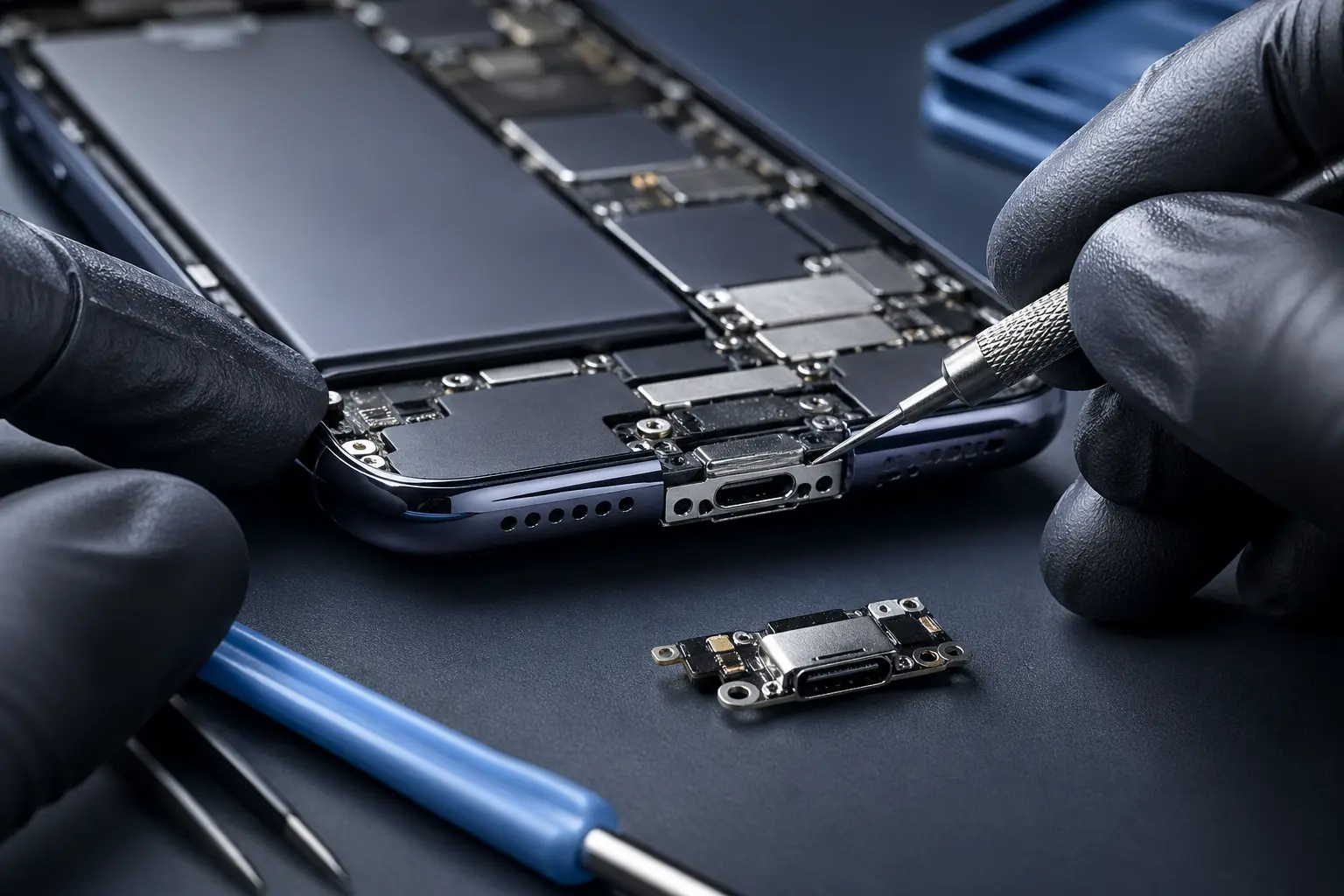
Some Wi-Fi problems can’t be solved with settings or updates because the internal components are damaged. These symptoms usually indicate the need for professional repair.
- Wi-Fi option is greyed out or missing: This often signals a damaged Wi-Fi chip or antenna inside the tablet.
- Connection only works close to the router: Weak or inconsistent signal strength typically points to a failing Wi-Fi antenna.
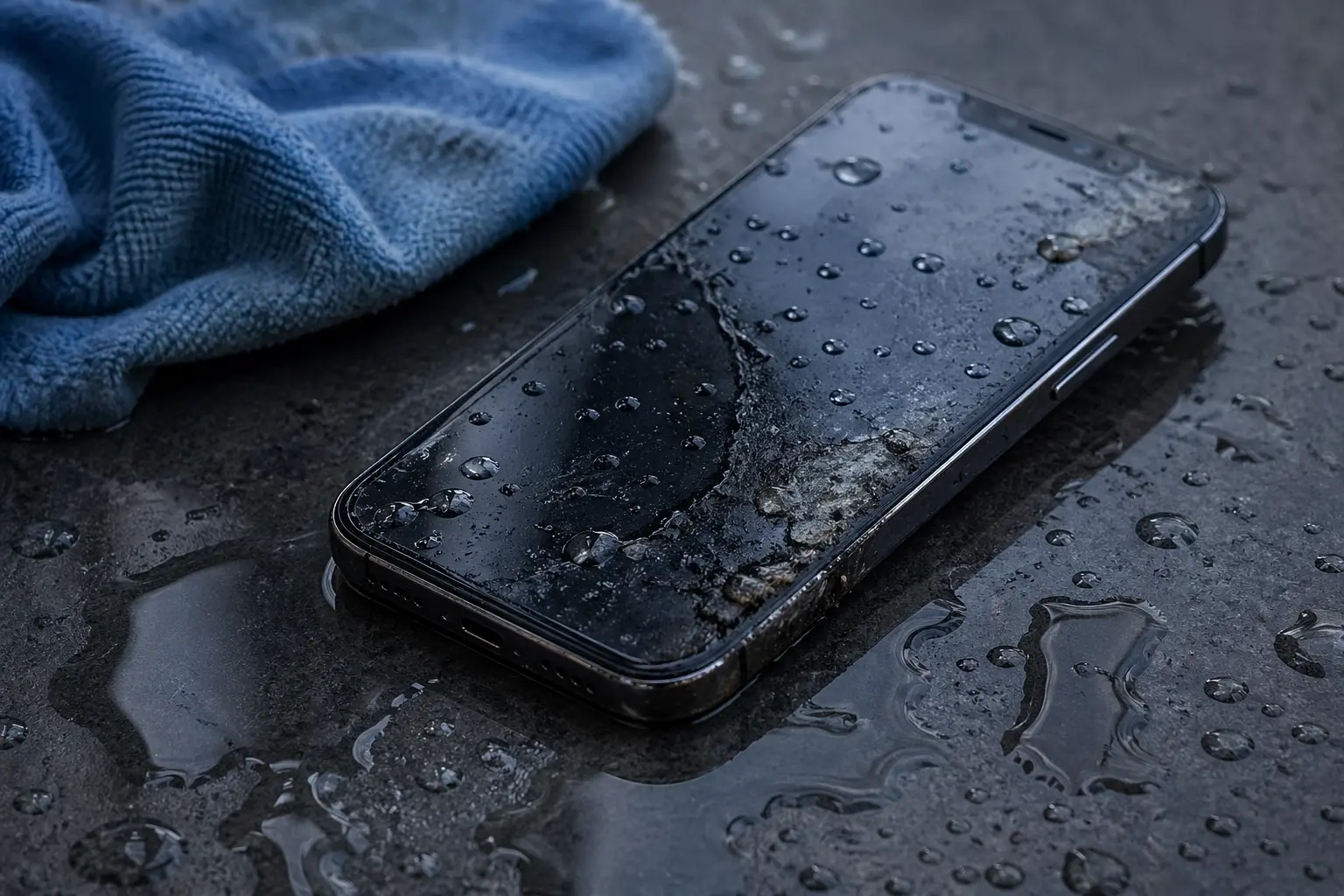
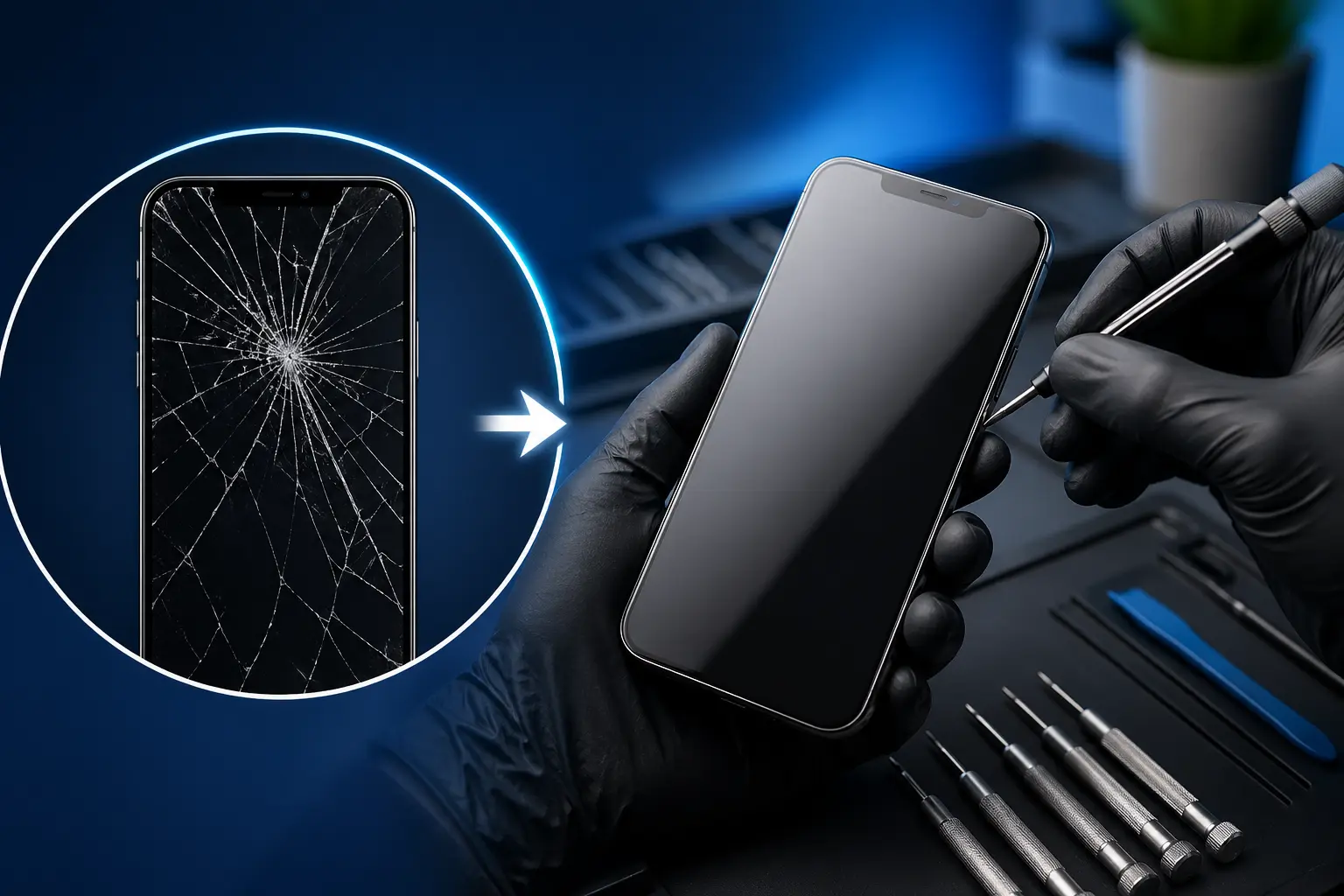
- Wi-Fi stopped working after a drop or water exposure: Physical impact or liquid damage can break delicate wireless components, even if the screen still works.
When these signs appear, continuing to troubleshoot at home can cause more damage, making a professional diagnosis the smarter next step.
Can Tablet Wi-Fi Be Repaired?
Many users assume Wi-Fi failure means replacing the tablet, but that’s not always true. In many cases, tablet Wi-Fi issues are repairable and cost-effective.
- Wi-Fi antenna replacement: Antennas are relatively inexpensive and commonly damaged after drops.
- Wi-Fi chip or motherboard repair: Advanced repairs can restore connectivity without data loss when performed by experienced technicians.
- Liquid damage cleanup: Early corrosion treatment can prevent long-term connectivity failure.
At Phone Fix Philly, we offer free diagnostics so you know exactly what’s wrong before committing to any repair.
When to Visit a Tablet Repair Shop
There’s a point where professional help saves time, money, and stress. Knowing when to stop troubleshooting can protect your device.
- DIY fixes haven’t worked
- Wi-Fi disconnects repeatedly
- You rely on the tablet for work, school, or gaming
- You want to avoid data loss from unnecessary resets
If you’re searching for tablet Wi-Fi repair near me in Philadelphia, visiting a local repair shop ensures faster service and an accurate diagnosis.
Why Choose Phone Fix Philly for Tablet Wi-Fi Repair?
Choosing the right repair shop makes all the difference in cost, quality, and turnaround time.
- Philadelphia-based local technicians
- Free diagnostics before any repair
- Same-day service on many tablet issues
- Experience with iPads, Samsung Galaxy Tabs, Surface, and Fire tablets
- Honest advice on repair versus replacement
Our goal is to get your tablet back online quickly—without unnecessary repairs or surprises.
Tablet Wi-Fi Repair FAQs
Where can I fix tablet Wi-Fi issues near me in Philadelphia?
Phone Fix Philly provides professional tablet Wi-Fi repair services in Philadelphia with free diagnostics and experienced technicians.
Is there a tablet Wi-Fi repair shop near me that offers same-day service?
Yes, many tablet Wi-Fi issues can be repaired the same day, depending on the device and damage. Same-day service helps reduce downtime for work or school.
How much does tablet Wi-Fi repair cost near me?
Costs vary based on whether the issue involves the antenna, Wi-Fi chip, or liquid damage. A free diagnostic ensures you receive accurate pricing before any repair begins.
Can iPad Wi-Fi be repaired near me without replacing the device?
In many cases, iPad Wi-Fi problems are repairable without replacing the tablet. Early diagnosis significantly improves repair success.
Do I need an appointment for tablet Wi-Fi repair near me?
Walk-ins are welcome, but scheduling an appointment can reduce wait times. Both options are available for convenience.
How long does tablet Wi-Fi repair usually take?
Simple repairs can take a few hours, while advanced repairs may require additional time. Your technician will provide a clear timeline after diagnosis.
Back Online Without the Guesswork
A tablet with unreliable Wi-Fi doesn’t have to slow you down for long. While many connection issues can be resolved with quick checks and settings adjustments, persistent problems often signal hardware damage that needs expert care.
Instead of guessing or risking further damage, getting a professional diagnosis can save time and money. If you’re in Philadelphia and your tablet Wi-Fi still isn’t working, Phone Fix Philly is here to help you reconnect quickly, safely, and with confidence.