Few things are more frustrating than plugging in your iPhone and seeing… nothing. No charging icon, no vibration, no relief—just a dead or dying phone when you need it most.
At our Philly phone repair center, this is one of the most common problems customers walk in with. Sometimes the fix is surprisingly simple, while other times it points to a deeper hardware issue.
If you’re in Philadelphia and wondering whether your iPhone needs a quick fix or professional repair, this guide will walk you through the most common causes and what to do next.
Let’s start with a few easy checks you can try right away before assuming the worst.
Quick Checks to Try Before Assuming a Repair Is Needed
Sometimes, an iPhone charging issue has nothing to do with the phone itself. A few simple checks can save you time, stress, and an unnecessary repair visit.
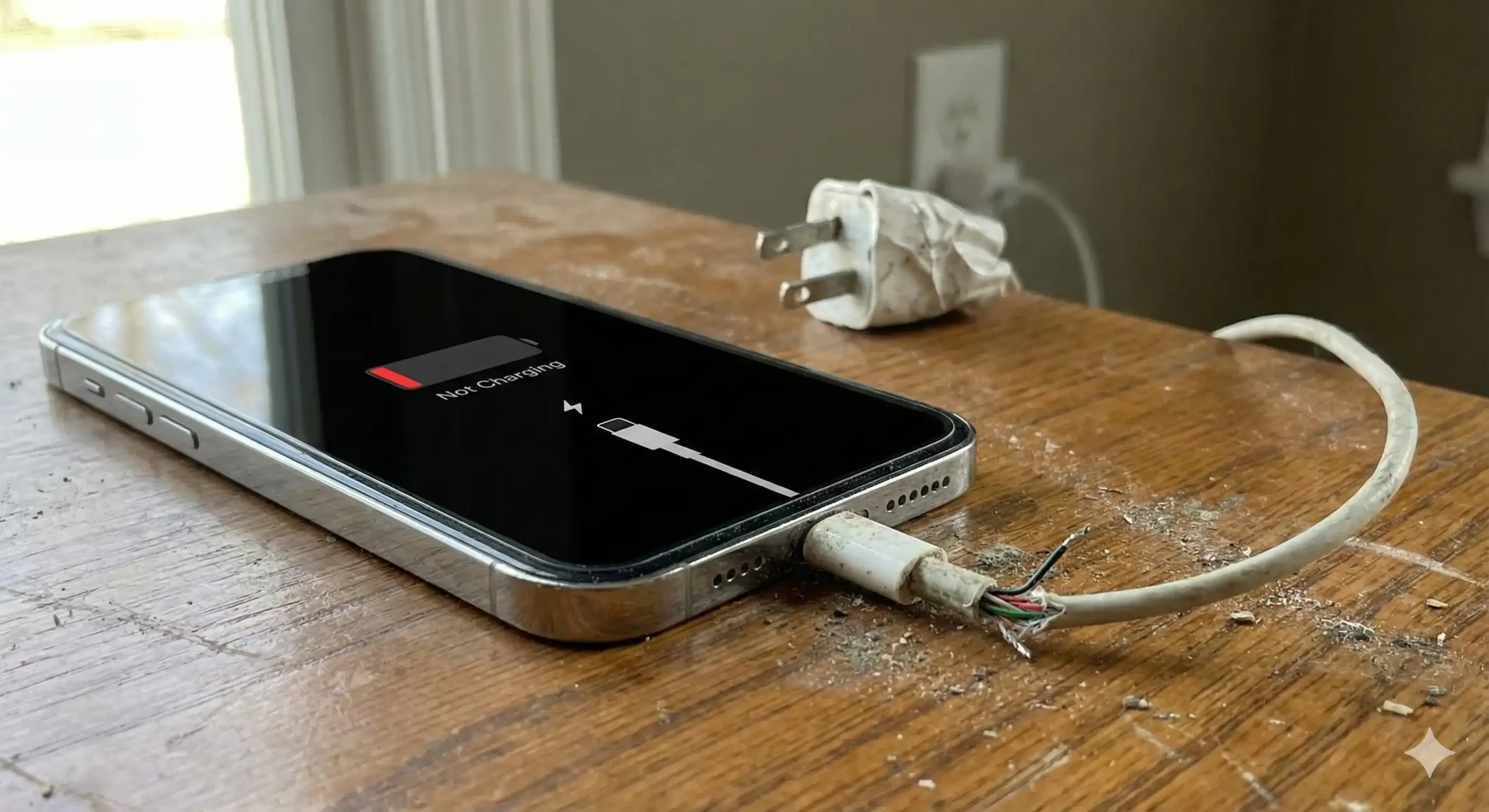
- Inspect your charging cable and adapter: Charging cables wear out faster than most people realize. Frayed wires, bent connectors, or cheap third-party cables can stop power from reaching your iPhone, even if they look fine on the outside. Try using an Apple-certified cable and adapter to rule this out.
- Switch the power source: Wall outlets, power strips, car chargers, and public charging stations don’t always deliver consistent power. Plug your charger directly into a different wall outlet to see if the issue changes.
Restart your iPhone: Minor software glitches can interfere with charging. A quick restart often resets background processes and restores normal charging behavior.
If none of these quick checks work, it’s time to look at the most common underlying causes we see at our Philly phone repair shop.
The Most Common Reasons Your iPhone Won’t Charge
When basic troubleshooting fails, the problem is usually tied to one of a few well-known issues that affect iPhones over time.
- Lint or debris in the charging port: Pocket lint, dust, and dirt slowly pack into the charging port, blocking the connection. Even a small buildup can prevent the cable from seating properly. Avoid using sharp objects, as they can damage internal pins.
- Battery health degradation: iPhone batteries naturally lose capacity after hundreds of charge cycles. If your battery health drops too low, your phone may charge slowly—or not at all—even with a working cable.
- iOS or software issues: Failed updates, bugs, or corrupted settings can interfere with charging. Updating iOS or resetting settings (not erasing data) can sometimes resolve the issue.
- Liquid or moisture exposure: Rain, spills, or even high humidity can trigger charging problems. Moisture sensors may block charging to protect the device, but internal corrosion can worsen if ignored.
- Physical or internal hardware damage: Drops, bent charging ports, or internal connector damage often require professional repair. These issues usually show up when the cable only works at certain angles—or not at all.
Once you recognize which category your issue fits into, the next step is deciding whether DIY fixes are enough or if professional help makes more sense.
DIY Fixes When Your iPhone Is Not Charging
Before bringing your device in for repair, there are a few safe, at-home fixes you can try. These steps won’t solve hardware damage, but they often resolve minor issues we regularly see from customers across Philadelphia.
- Clean the charging port carefully: Over time, lint and dust from pockets build up inside the charging port and block the cable connection. Use a wooden toothpick or a soft brush and gently remove debris—never use metal tools, as they can permanently damage the pins.
- Force restart your iPhone: Temporary software glitches can interrupt charging. A force restart clears background processes and often restores normal charging behavior without affecting your data.
- Check battery health settings: Go to Settings → Battery → Battery Health & Charging. If the maximum capacity is very low, your iPhone may struggle to charge efficiently, which is a sign that a battery replacement may be needed soon.
- Update iOS or reset settings: Running outdated iOS software can cause charging bugs. Updating iOS or resetting settings (not erasing content) can resolve conflicts that prevent charging.
- Let a wet phone fully dry: If your iPhone recently got wet, unplug it immediately and allow it to dry for several hours. Charging too soon can worsen internal damage.
If these DIY fixes don’t restore charging, the issue is likely deeper—and that’s when a professional inspection becomes the safest next step.
When DIY Fixes Aren’t Enough
There’s a point where home troubleshooting stops being helpful and starts risking more damage. If your iPhone only charges intermittently, refuses to charge entirely, or shuts down while plugged in, it’s likely time for expert diagnostics.
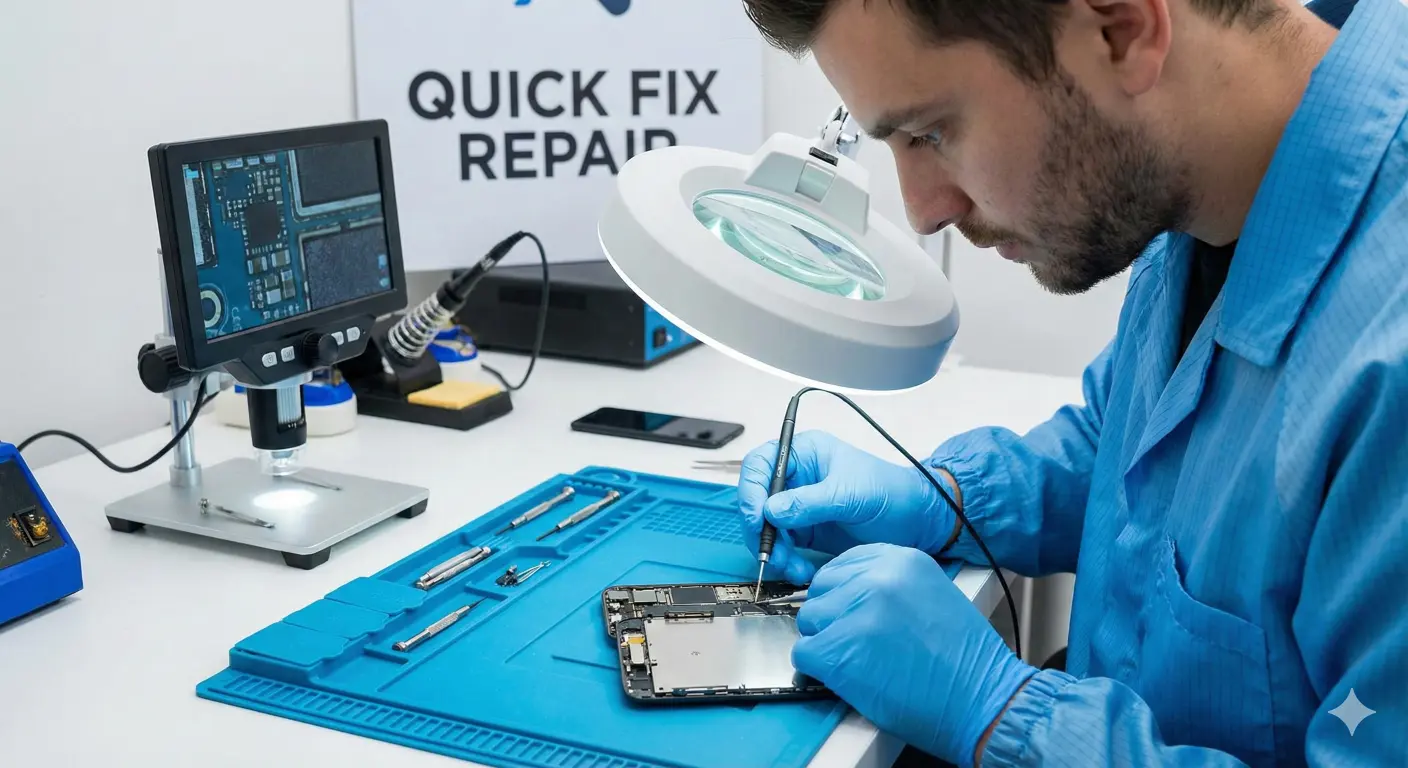
At a trusted iPhone repair shop in Philadelphia, technicians can safely inspect the charging port, battery, and internal components without guesswork. Many charging issues look similar on the surface but require very different fixes underneath. Getting an accurate diagnosis early can prevent small problems from turning into expensive repairs.
Choosing the right local repair option matters just as much as choosing to repair at all.
Why Choosing a Local Philadelphia iPhone Repair Shop Matters
Local repair centers offer advantages that mail-in services simply can’t match. Same-day service, face-to-face diagnostics, and no shipping risks mean you get your phone back faster and with more confidence.
A Philly phone repair shop also understands the urgency of everyday needs—commuting, work, school, and staying connected. Instead of waiting days or weeks, many charging issues can be resolved in a single visit. Supporting local repair also means real accountability, not automated emails or distant support lines.
Before you book a repair, many people have practical questions—let’s clear those up next.
iPhone Charging Repair FAQs – Philadelphia
Where can I fix my iPhone charging port near me in Philadelphia?
You can visit a local iPhone repair shop in Philadelphia that offers walk-in diagnostics and same-day service. Local shops are often faster and more affordable than mail-in options.
How much does it cost to fix an iPhone that won’t charge in Philly?
The cost depends on whether the issue is the battery, charging port, or internal hardware. Many Philly phone repair centers offer free diagnostics, so you know the price before committing.
Can I walk in for iPhone charging repair near me?
Yes, most local Philadelphia repair shops accept walk-ins. This allows technicians to quickly inspect your device and recommend the right fix without an appointment.
How long doesan iPhone charging port repair take?
Simple charging port repairs can often be completed the same day. More complex issues involving internal components may take longer, depending on parts availability.
Is it worth fixing an iPhone that won’t charge anymore?
In many cases, yes—especially if the phone is otherwise in good condition. Repairing a charging issue is usually far more cost-effective than replacing the entire device.
Can water damage stop my iPhone from charging completely?
Yes, even minor liquid exposure can interfere with charging. Prompt inspection and cleaning greatly improve the chances of saving the phone.
Get Your iPhone Charging Again—Fast, Local, and Reliable in Philly
A charging issue doesn’t always mean your iPhone is finished. Sometimes it’s a quick fix, other times it’s a worn battery or damaged port—but most problems are repairable when caught early.
If you’re in Philadelphia and your iPhone won’t charge, getting a professional diagnosis can save you time, money, and frustration. Instead of guessing or waiting it out, a local
Philly phone repair expert can help you get powered up and back to your day faster than you think.